How to turn photographed recipe cards into searchable digital recipes
· Editorial team chicagonewsdaily7.com
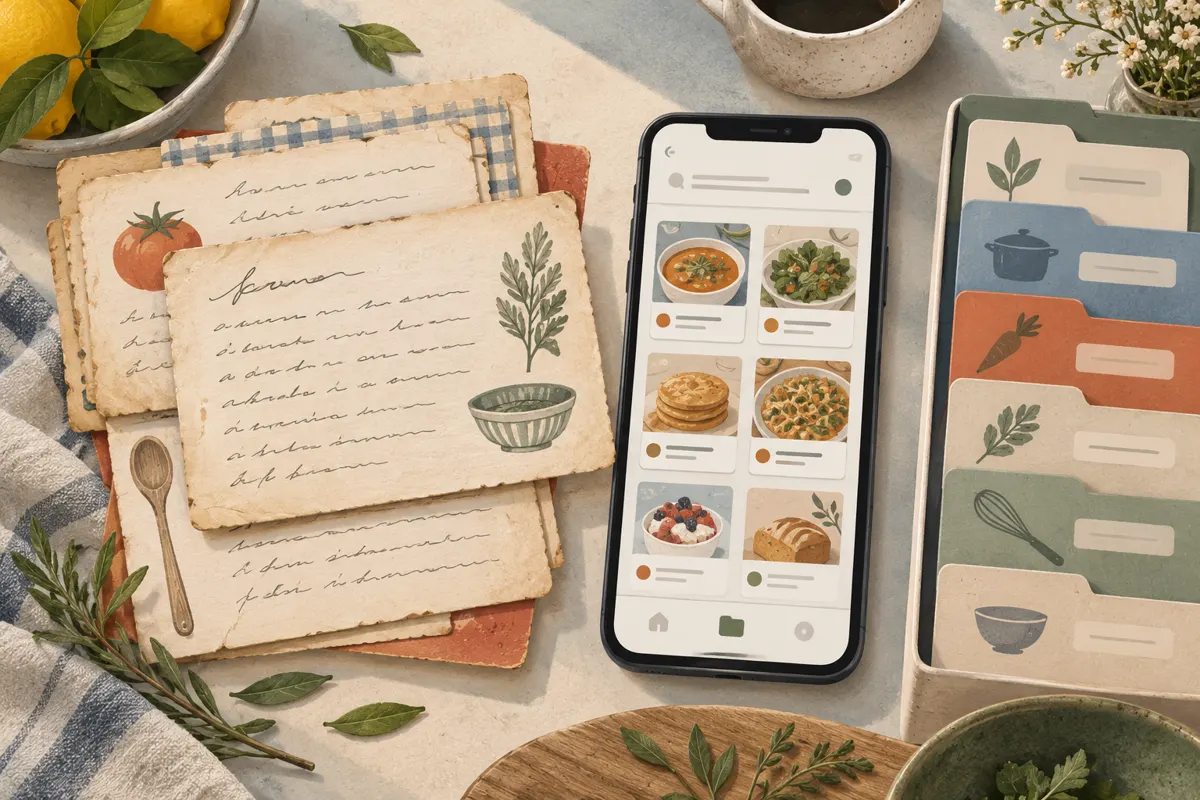
To make photographed recipe cards searchable, keep a clear image of each card and create a checked text version alongside it. Use optical character recognition (OCR) to extract the writing, or transcribe it yourself, then organize the recipes in an app or searchable documents. The photograph preserves the handwriting; the text helps you find ingredients and follow the recipe.
Photograph every part of the recipe clearly
Start with the cards you cook from most often and the family favorites you especially want to preserve. Work in small batches so you can check each recipe before moving on. The following capture routine is a proposed workflow for keeping the photographs readable and paired with their transcriptions.
- Place the card flat on a plain surface in even light. Move away from glare and avoid casting a phone or hand shadow over the writing.
- Hold the camera parallel to the card. Include all edges, focus on the handwriting, and take the picture without tilting the phone.
- Photograph the reverse and any attached notes. Keep these images together, in reading order.
- Enlarge the image and check fractions, faint pencil marks and writing near the edges. Retake it if any details are unclear.
Keep the original photograph even if you also crop or adjust a working copy. It gives you a reference for checking the transcription and preserves personal details such as crossed-out ingredients or handwritten additions.
Extract the writing into editable text
OCR converts writing in an image into text you can edit and search. Recipe organizers can combine that text with the card photograph, while a document-based collection can keep the two as separate files. Choose a method that lets you correct the results and retrieve your recipes easily.
Import one complete recipe at a time, including both sides of the card. Treat the extracted text as a draft. If the handwriting is difficult, typing the recipe or reading it aloud through a dictation tool may be more practical than repeatedly correcting the extraction. Check dictated text against the card too.
A proposed starting point is to process a few cards before committing your whole collection. Check whether your chosen system searches ingredient text, keeps photographs attached and allows an export you can open elsewhere.
Check quantities before using the digital recipe
Compare the transcription with the photograph line by line. Give measurements a separate pass: a readable sentence can still contain a wrong fraction or a missing unit. This proposed checking list focuses on details that change how you prepare the dish.
- Match every ingredient quantity, including fractions, decimal points and ranges.
- Check units and abbreviations, especially teaspoon versus tablespoon.
- Confirm oven temperature, cooking time, pan size and yield wherever the card supplies them.
- Read preparation words carefully, including divided, softened, drained and optional.
- Check that instructions from the back of the card appear in the correct order.
Do not silently fill in missing information. If a quantity is unreadable, mark it as unclear and ask someone familiar with the recipe if possible. Keep any suggested interpretation in a separate note. Likewise, preserve the original wording before adding your own clarification or cooking adjustment.
Organize recipes around how you search
Searchable text makes it possible to find recipes without remembering where you filed them. Tags or categories add another route into the collection. Keep the system simple enough that you will use it consistently.
A proposed record format is: recipe title, family source, ingredients, directions and notes, followed by the card images or their filenames. Use descriptive matching names such as aunt-marias-apple-cake for the text file and aunt-marias-apple-cake-front for its photograph.
Add a few useful categories, such as soups, baking or holiday dishes. Include familiar alternate names in the notes. Then try searching for an ingredient inside a saved recipe. A folder of photographs alone does not provide the checked text this workflow is intended to create.
Keep a backup you can actually open
The proposed backup routine is to keep your working collection plus a separate copy of both the photographs and the checked recipes. After each batch, export the updated text and copy the images to another storage location, such as an external drive or a separate cloud folder.
Open a few files from that backup to confirm that the directions and images are present. If you use PDFs, check that you can select and search the recipe text. Before sharing through an app, review its visibility settings so family recipes reach the people you intend. Keep the paper cards as well: the digital collection can make them easier to use while preserving their handwritten originals.